Free Spin the Bottle
Add names around the circle, spin the bottle, and see who it points to. Perfect for parties, classrooms, and group games.
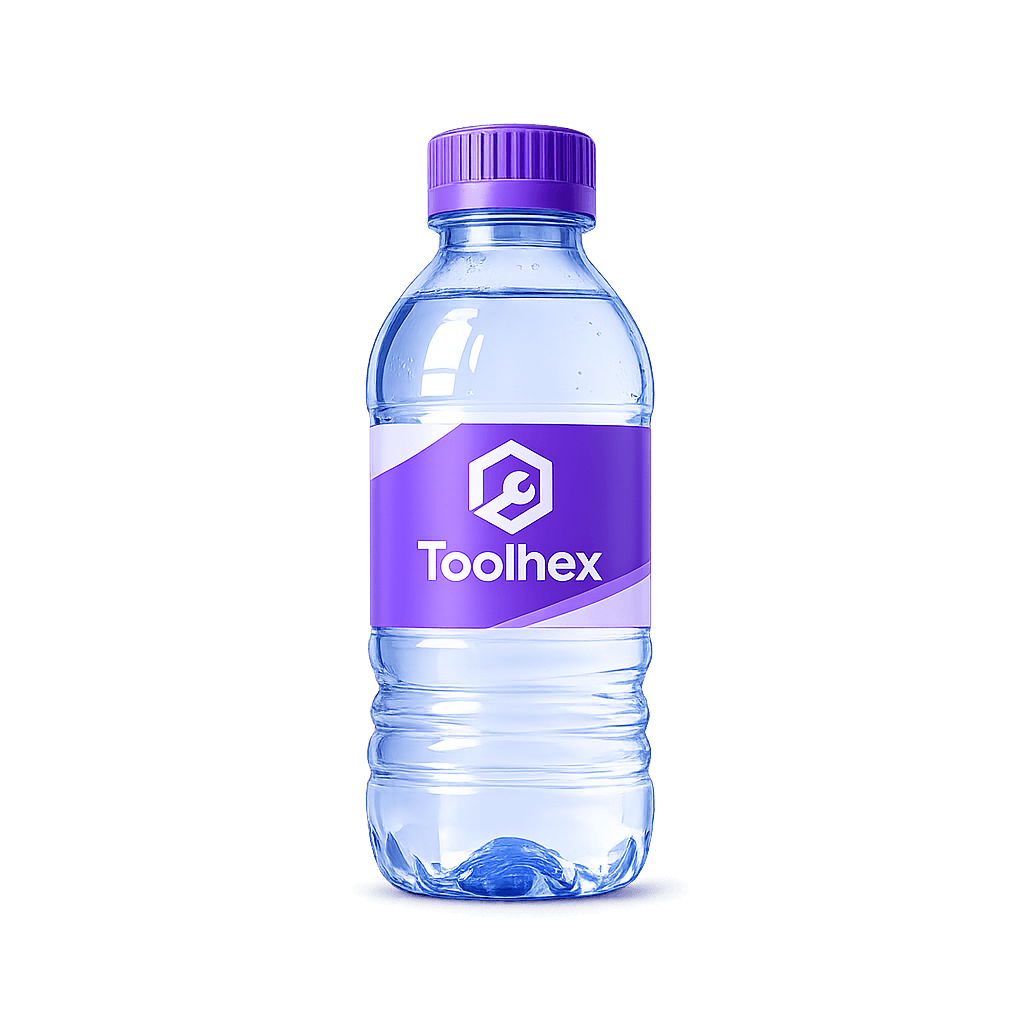
Click the bottle or press Space to spin
The bottle points to
Free Spin the Bottle Game Online
Spin the Bottle is a classic party game where a bottle is spun in the center of a circle and whoever it points to is chosen. Toolhex brings that experience online — add your players, spin the bottle on screen, and let chance pick the next person fairly.
No physical bottle needed. Whether you are hosting a teen hangout, running a classroom activity, or starting a round of Truth or Dare, this free Spin the Bottle picker works instantly in your browser on any phone, tablet, or computer.
How to Use This Spin the Bottle Tool
Setting up a game takes seconds. Here is how the Toolhex Spin the Bottle picker works:
- Add player names in the Entries panel — one name per line. Names appear around the circle on screen.
- Shuffle or sort your list anytime with the Shuffle and Sort A–Z buttons.
- Spin the bottle by clicking it, pressing the Spin button, or hitting Space on your keyboard.
- See who was picked when the bottle stops. A popup shows the player the bottle points to.
- Remove or keep players — tap Remove to take someone out for the next round, or Close to spin again with the same group.
- Check spin history in the Results tab to review every pick from your session.
Use fullscreen mode for group play on a TV or projector, toggle sound effects for extra drama, and reset the bottle rotation anytime without clearing your player list.
Who Can Use Spin the Bottle?
This tool works for any group that needs a fair, random way to pick someone:
- Teens and friend groups at parties, sleepovers, and game nights
- Party hosts who want a classic icebreaker with zero setup
- Teachers and students picking volunteers or turn order in class
- Truth or Dare players choosing who goes next before a challenge
- Team leaders running lighthearted group activities or icebreakers
- Streamers and content creators engaging live audiences with a visual spin
- Remote groups sharing a screen on Zoom, Discord, or FaceTime
Spin the Bottle Rules
Every group plays differently, but these simple rules keep things fun and fair:
- Sit in a circle — in person or virtually — so everyone can see the screen when the bottle spins.
- One spin per turn. Whoever the bottle points to is chosen for that round.
- Respect boundaries. Anyone can pass on a challenge or skip their turn — consent always comes first.
- Remove players when needed. Use the Remove button after a spin if someone is out for the rest of the game.
- Keep it appropriate. Match the activity to your group — family-friendly for kids, bolder games only when everyone opts in.
- No re-spins for fairness. Accept the result unless the whole group agrees to spin again.
Fun Ways to Play Spin the Bottle
- Truth or Dare starter — spin to pick who goes first, then use our Truth or Dare tool for the challenge.
- Question master — the chosen player asks someone else a question or gives a dare.
- Turn order — spin to decide who presents, goes first, or picks the next activity.
- Elimination rounds — remove each picked player until one winner remains.
- Virtual parties — share your screen and let the bottle pick players remotely.
Why Use Spin the Bottle on Toolhex?
- Visual player circle — names displayed around the bottle so everyone sees who is in the game
- Truly random picks — each spin uses fair random rotation
- Spin history — track every result in the Results tab
- Shuffle and sort — organize your player list before you spin
- 100% free — no signup, no download, unlimited spins
- Works everywhere — browser-based on any device with fullscreen support
Need a segmented spin wheel instead of a bottle? Try our Wheel of Names random name picker.
Frequently Asked Questions
Is Spin the Bottle free to use?
Yes. Toolhex Spin the Bottle is completely free. There is no signup, no app download, and no limit on how many times you can spin.
How many players can I add?
Add as many names as you need — one per line in the Entries box. The circle updates automatically to show your full player list.
Does the bottle spin randomly?
Yes. Each spin uses random rotation so the result is fair and unpredictable, just like spinning a real bottle.
Can I use this for Truth or Dare?
Absolutely. Spin the Bottle is a classic way to pick who goes next. Pair it with our Truth or Dare tool for ready-made questions and dares.
What does the Remove button do?
After a spin, Remove takes the picked player out of the list so they will not be selected again. Close keeps everyone in for the next spin.
Can I see past spin results?
Yes. Open the Results tab to view your full spin history for the current session. Clear results anytime to start fresh.
Can we play Spin the Bottle on Zoom or Discord?
Yes. Share your screen, add everyone's names, and spin together. Fullscreen mode works great for virtual game nights.
Can teachers use this in the classroom?
Yes. Teachers use Spin the Bottle to fairly pick students for presentations, questions, or group activities. Display it on a projector so the whole class can see.
Can I turn off the sound?
Yes. Uncheck the sound effects option in the Entries panel if you prefer a silent spin.
Do I need to install an app?
No. The game runs entirely in your web browser on phones, tablets, and computers.